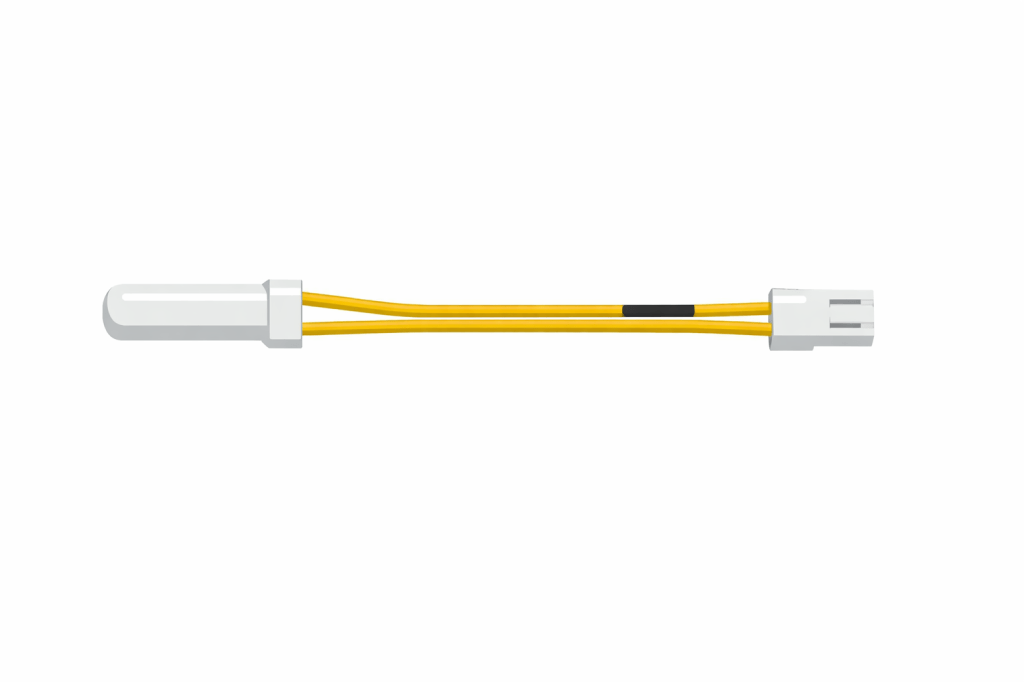
If your Samsung refrigerator display shows 5E or SE, it indicates a Defrost Sensor Error.
(Note: The digital display often makes the “5” look like an “S,” so “5E” and “SE” are the exact same error.)
This sensor tells the fridge when to melt the ice on the cooling coils. When it fails, the fridge doesn’t know when to defrost, leading to massive ice buildup and a warm refrigerator.
The “Reset” Try This First
- Hard Reset: Unplug the refrigerator (or flip the circuit breaker) for 60 seconds.
- Power On: Plug it back in.
- Wait: If the code returns immediately or within a few hours, the sensor is definitely dead.
The Fix: Replace the Sensor
If the reset didn’t work, you need a new Defrost Sensor. This is one of the cheapest and most common repairs on Samsung fridges.
The sensor is a small white or yellow probe clipped to the cooling pipes behind the back panel of your fridge.
Check Price of Samsung Defrost Sensor (DA32-00006W) on Amazon
When to Call a Pro
- If you replace the sensor and the error persists.
- If you see a solid block of ice that won’t melt even after unplugging the unit for 24 hours.
 SamsungFridgeGuide.com